

Have the signatures of a document checked
The signature validation report checks every signature in a signed document and sums up the result in a PDF. This helps when you have to prove to others that the signatures are valid.
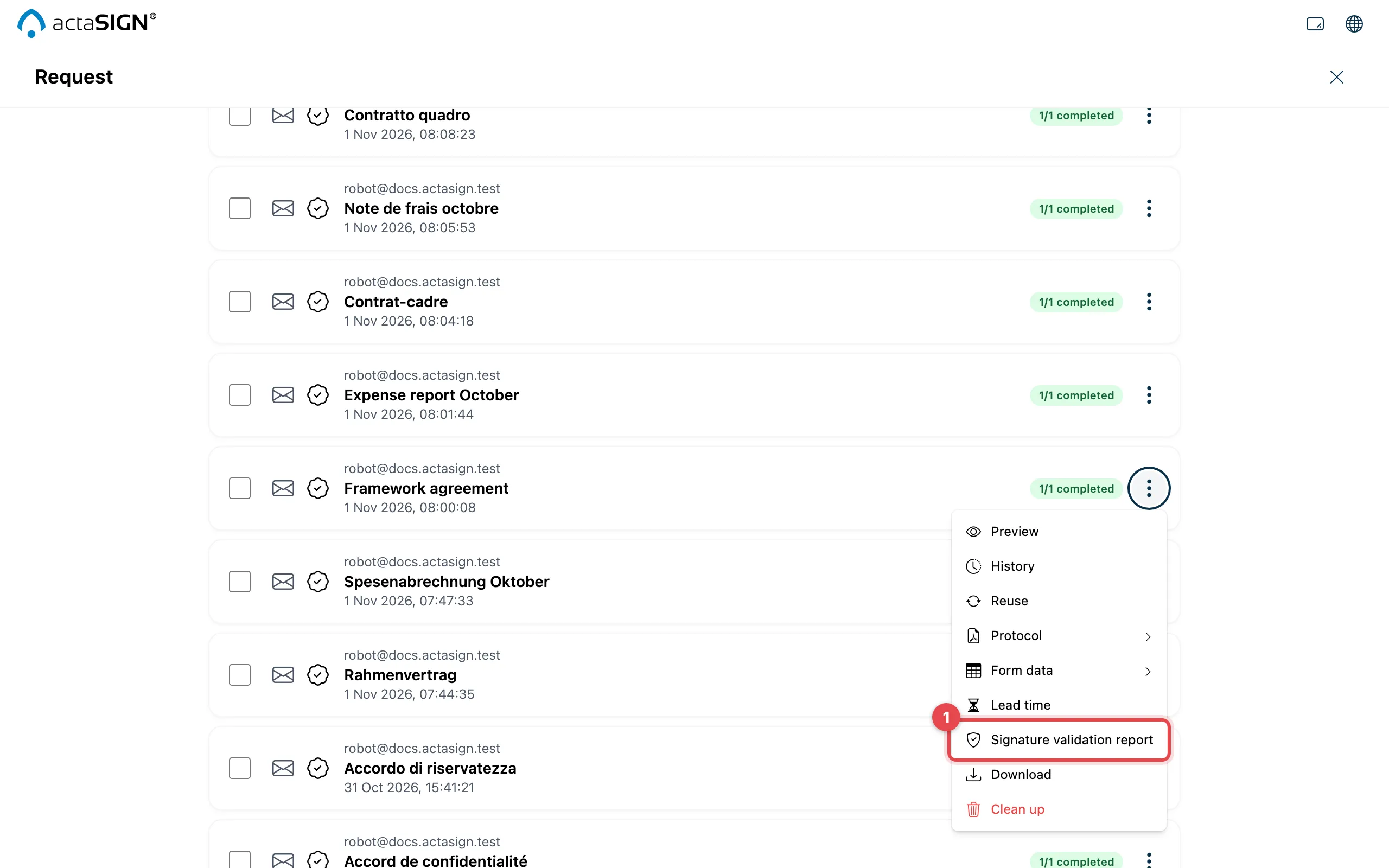
- Click Signature validation report.
- If the request contains several signed documents, choose the document and click Create report. If there is only one document, the check starts right away.
- The report is downloaded as a PDF.
Good to know
Section titled “Good to know”- Depending on the number of signatures, the check can take a moment. If it takes too long, it keeps running in the background (Report still in progress); try again after a few minutes.
- If the request does not contain a signed document yet, actaSIGN shows No signed document.
- The validation report is also available for documents in a portfolio.