

Remind recipients or recall a request
If a request is waiting too long, send the open recipients a reminder. If something has changed, for example a wrong document, withdraw the request: you recall it.
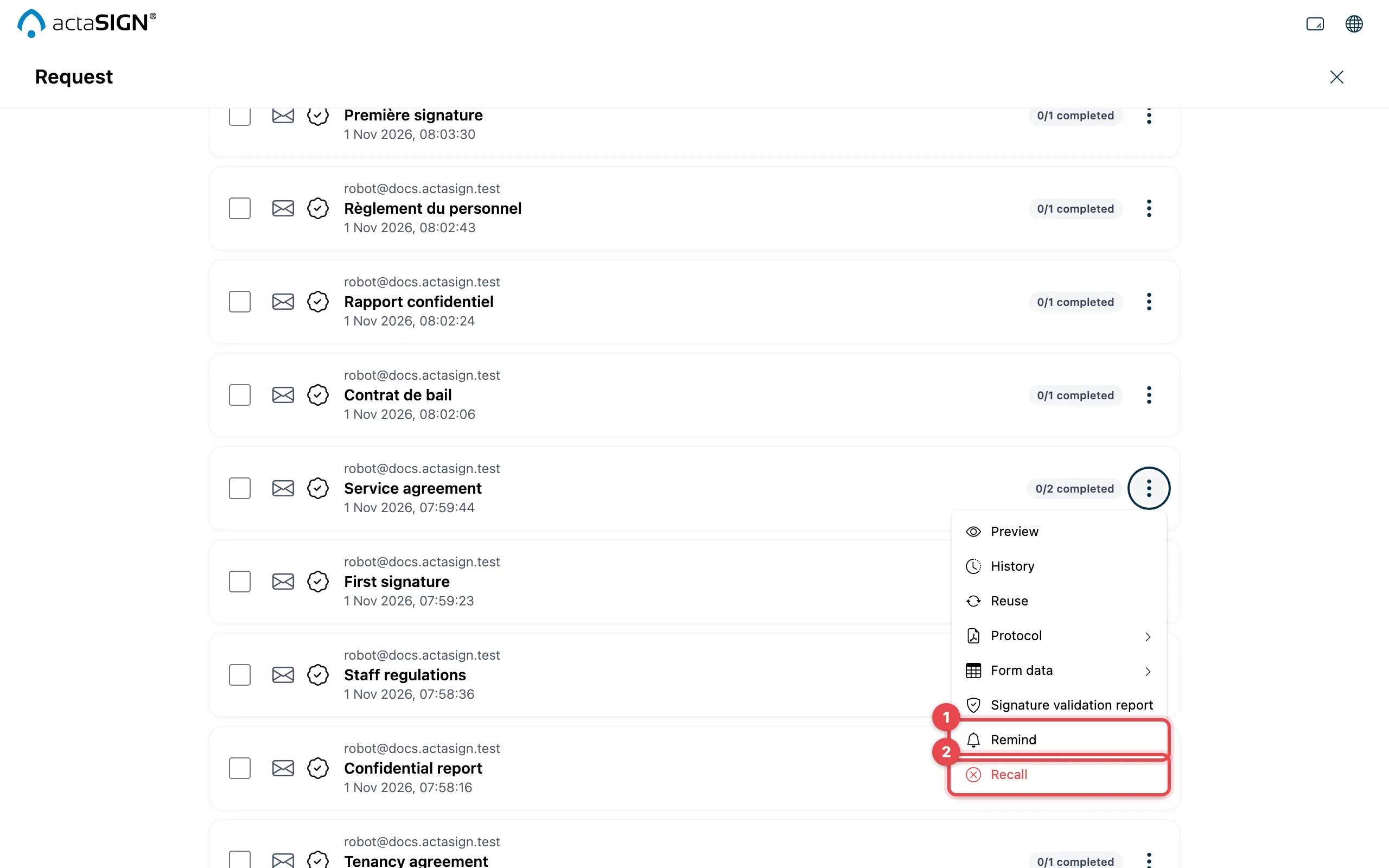
- Remind: everyone whose turn it is and who has not finished yet gets a reminder by email right away.
- Recall: actaSIGN asks you to confirm. Confirm with Recall.
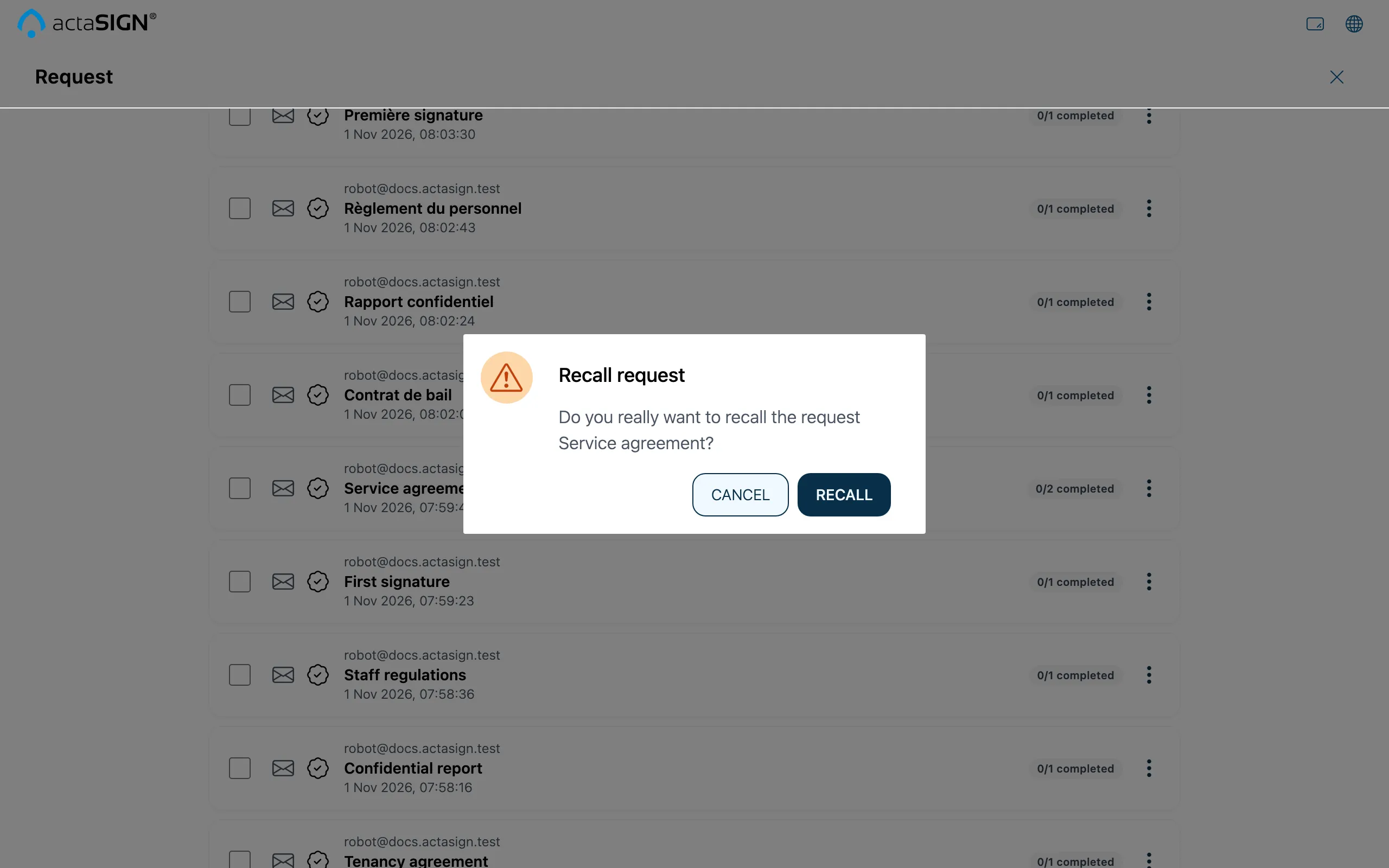
You then find a recalled request in the Recalled tab. The people involved are informed, and their links no longer work.
Several requests at once
Section titled “Several requests at once”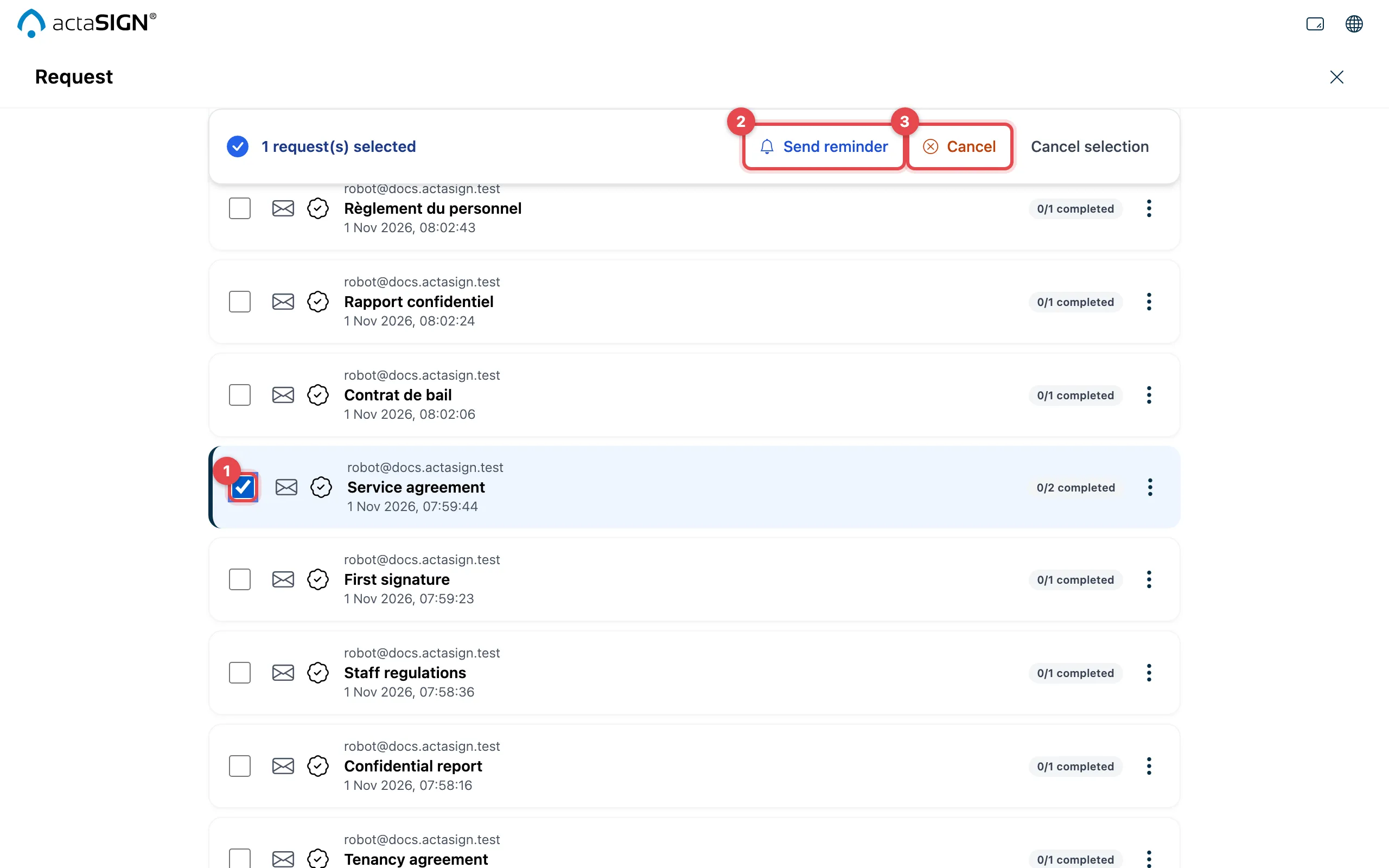
- In the Sent tab, tick the requests.
- Send reminder reminds all open recipients of these requests.
- Cancel recalls the selected requests, after asking you to confirm.
Good to know
Section titled “Good to know”- You set automatic reminders when you create the request, see Advanced settings. How many reminders have already been sent is shown in the history.
- A recalled request cannot be started again. With Reuse you create a new request with the same details.
- People whose task has Don’t notify when recalled switched on do not get an email about the recall.