

See and sign out signed-in people
Under Sessions you see who is signed in to actaSIGN right now. If you suspect misuse, for example after a laptop was lost, you sign people out here.
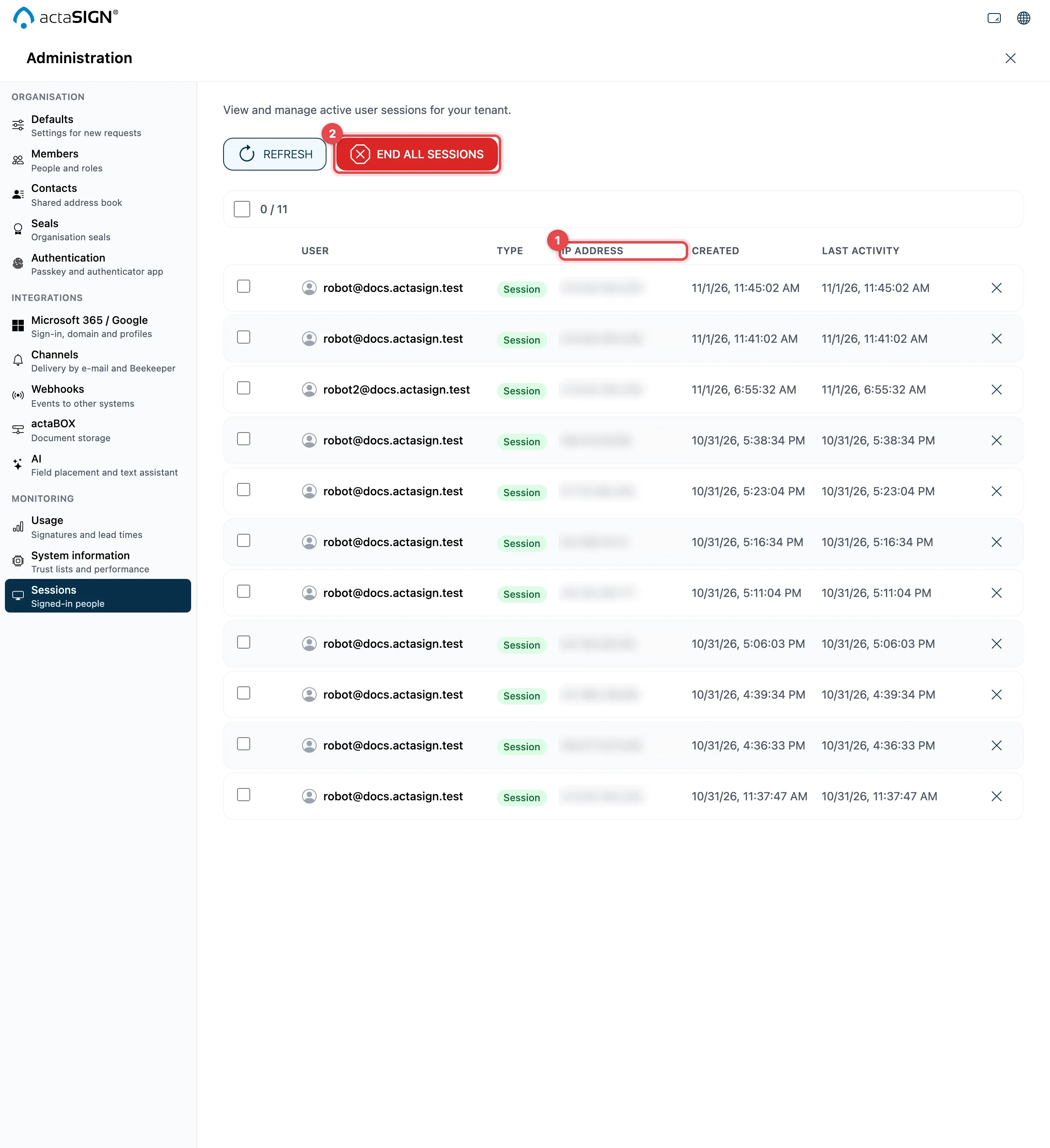
- Each row shows User, Type, IP Address, Created and Last Activity.
- End all sessions signs everyone out, including you.
Sign out individual people
Section titled “Sign out individual people”- Select the sessions you want to end.
- Click “End selected” (the number in brackets shows how many).
- Confirm. The people concerned are signed out.
Good to know
Section titled “Good to know”- A person who was signed out can sign in again right away. To lock someone out for good, block the person in actaPASS (Members in actaPASS).
- Refresh reloads the list.