

Clean up finished requests
Over time, many finished requests pile up. With Clean up you close a request for good: it disappears from your list.
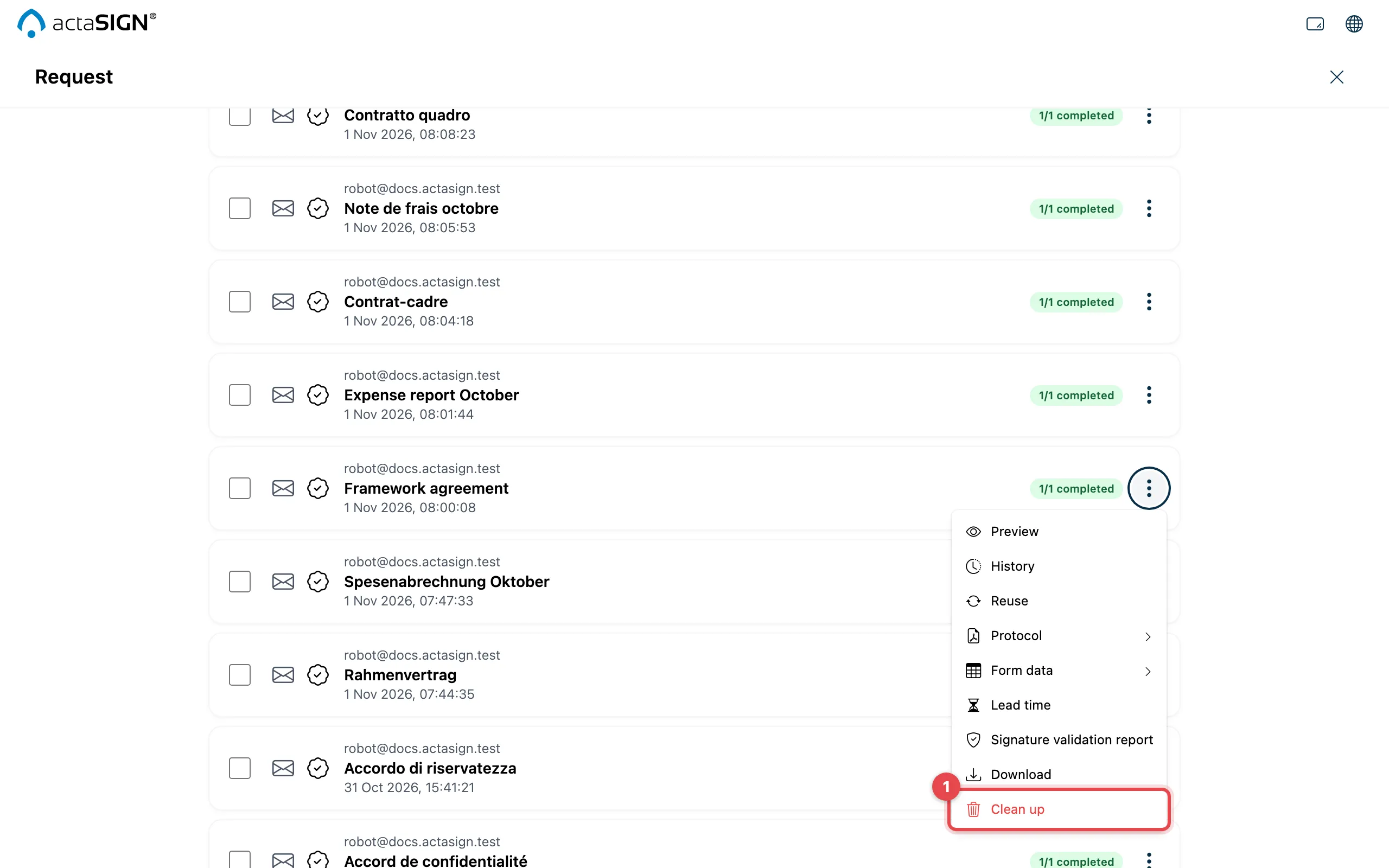
- Click Clean up. actaSIGN asks you to confirm.
- Confirm with Clean up.
Several requests at once
Section titled “Several requests at once”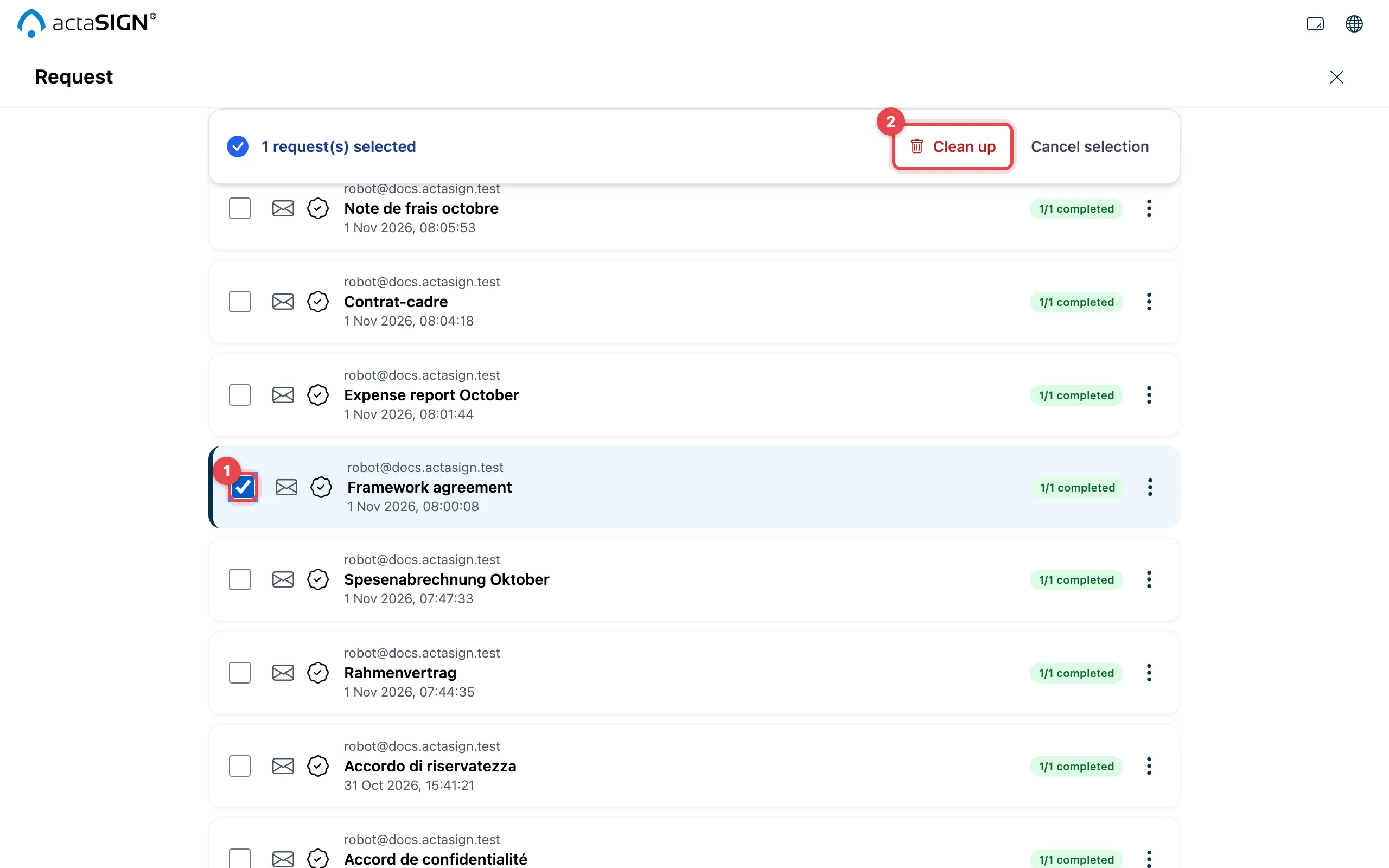
- Tick the requests.
- In the bar at the top, click Clean up and confirm.
The dialog says the requests will be “permanently removed from the system”. What it means is: they disappear from the lists. What exactly happens is explained below.
What happens when you clean up
Section titled “What happens when you clean up”- actaSIGN sets the request and all its tasks to closed. They no longer appear in any tab, neither for you under Requests nor for the recipients under Tasks.
- Cleaning up does not delete the documents. They stay in the request’s portfolio.
- A request that has been cleaned up cannot be brought back in actaSIGN. First download what you need from the request, for example the protocol.
Good to know
Section titled “Good to know”- Running requests and drafts cannot be cleaned up. Recall a running request first; delete a draft.
- The Clean up setting when you create a request is something else: it deletes the documents automatically a number of days after completion. See Advanced settings.