

View and download the result
Once everyone involved has signed, you receive an e-mail with a link to the result. There you see how the request ended and download the signed documents.
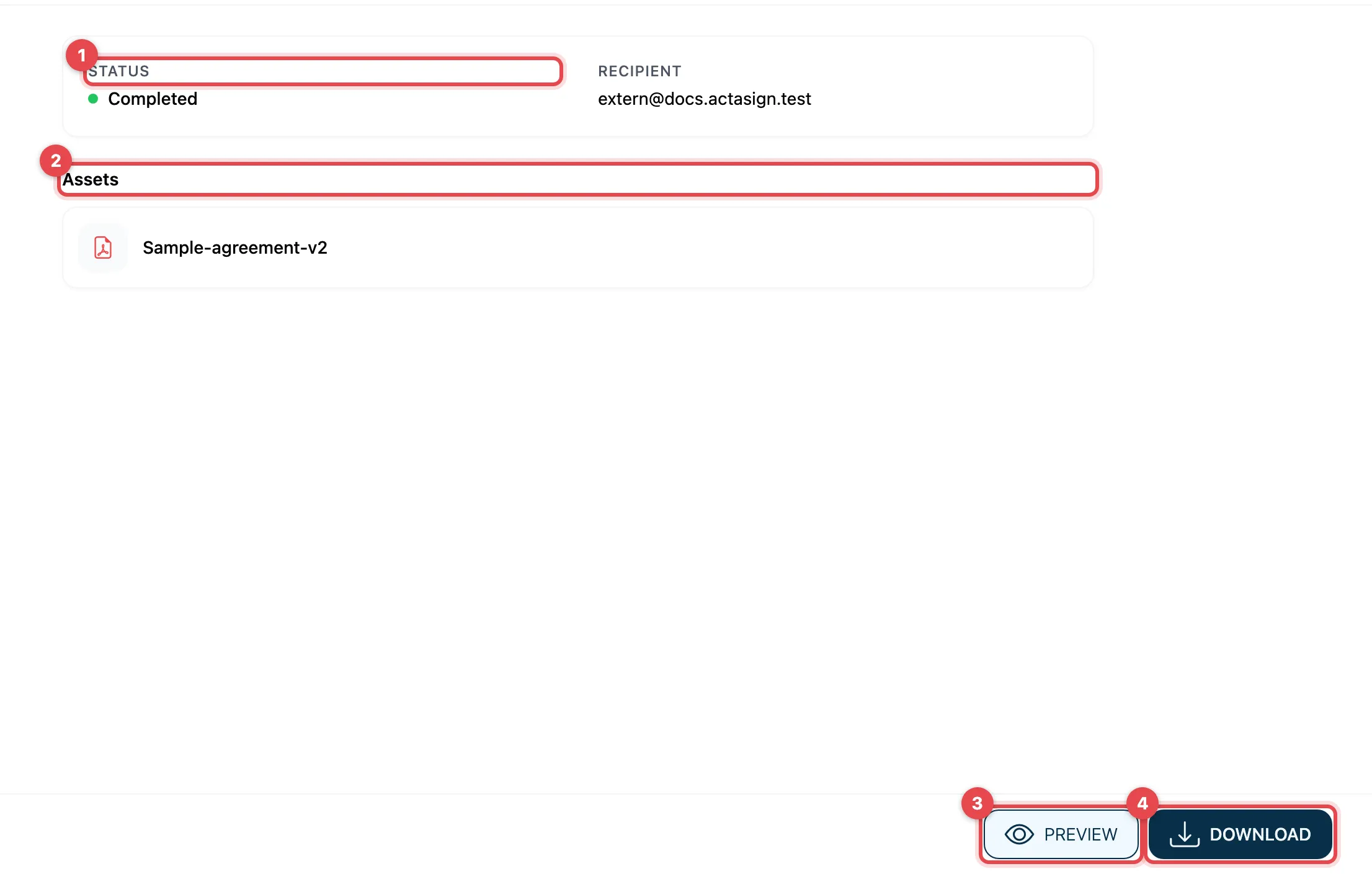
- Status shows how the request ended, e.g. Completed or Declined. If it was declined, the reason is shown here too. The sender’s messages follow below.
- Assets lists the documents of the request.
- Preview shows the documents in your browser.
- Download saves them to your device.
Download while signing
Section titled “Download while signing”If the sender has allowed it, you can download the document even before signing: in the toolbar on the right with Download documents, see Open the link.
Good to know
Section titled “Good to know”- The sender can leave out the link to the result or the documents in the e-mail. Then you only receive a message without a link.
- The sender’s organization keeps the documents only for a certain time. After that, Assets and Download are missing. In that case, ask the sender for a copy.
- Download the signed document and keep it yourself. The signature stays in the PDF file and can be checked at any time.