

Overview of management in actaPASS
actaPASS is the sign-in system behind actaSIGN. Here you manage who belongs to your organization, how these people sign in and what emails to them look like.
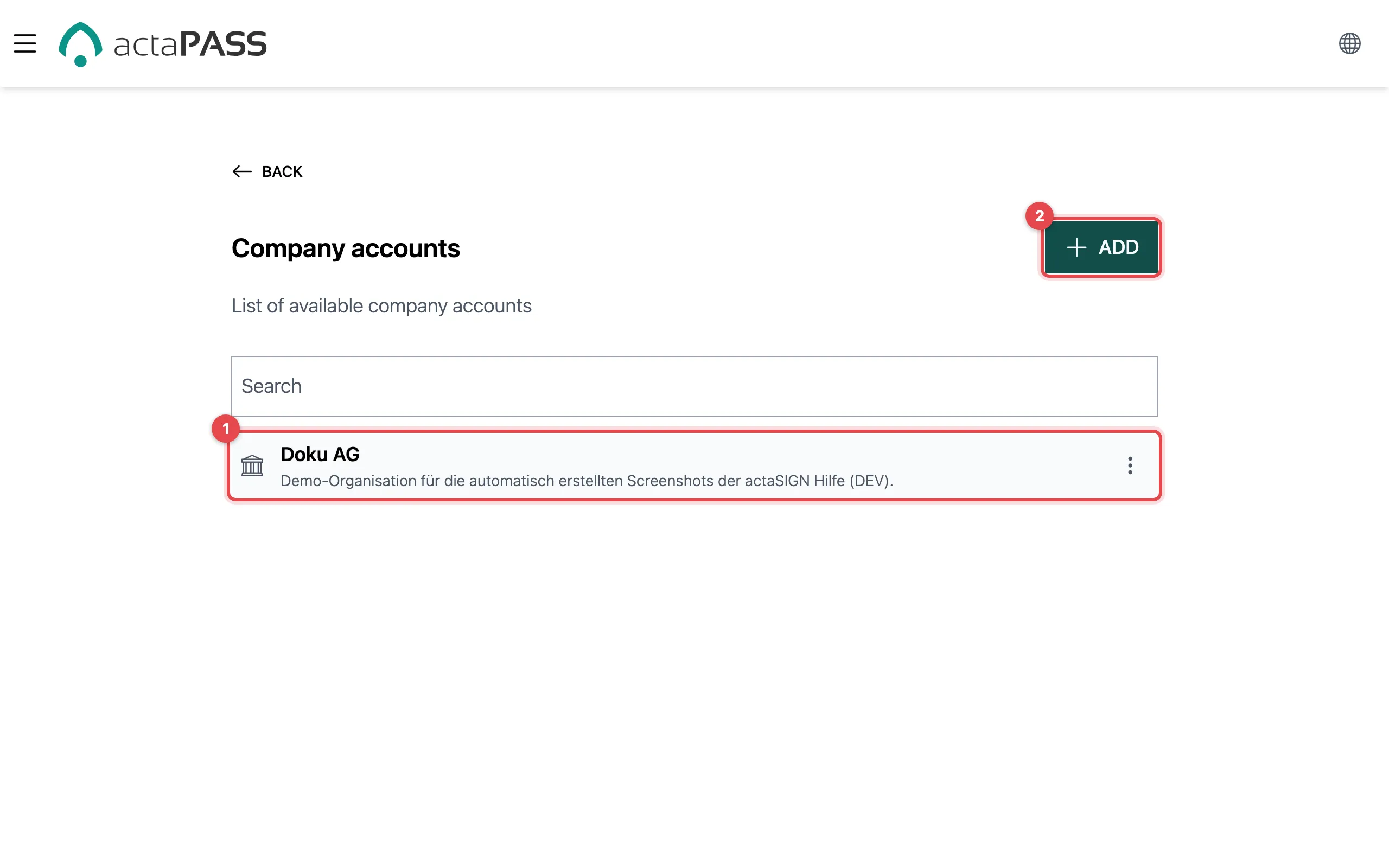
How it all fits together
Section titled “How it all fits together”- The company account is your company. It holds one or more tenants.
- A tenant is an organization in actaSIGN, with its own members, templates and settings. Many companies have exactly one.
- Each tenant has:
- Members and teams
- Domains with their identity providers (sign-in with the company account)
- Applications (API access for other systems)
- Organization, branding, mail server and IP whitelist
The way there is always the same: Company accounts → ⋮ next to the company account → Tenants → ⋮ next to the tenant → the entry you want.
Who may do what
Section titled “Who may do what”| Role | May |
|---|---|
| Administrator of the company account | Edit and delete the company account, create tenants and manage everything in them |
| Administrator of the tenant | Everything within this tenant: members, teams, domains, applications, branding … |
| Member | Only their own account (Sign in, two-factor) |
Whoever creates a company account automatically becomes administrator of the account and of its first tenant. You appoint further administrators of a tenant under Members with To administrator.
Tenant administrators also see Company accounts. Anything that only the administrator of the company account may do (for example changing the company account), actaPASS refuses for them when they save.
Good to know
Section titled “Good to know”- actaPASS calls the organization Tenant; in actaSIGN the same thing is called organization.
- Members usually only see what you change in actaPASS after their next sign-in.