

Set up your own mail server for actaPASS
Without its own setting, actaPASS sends its emails, such as invitations and reset links, through the default email service. With your own SMTP server, they come from an address of your company.
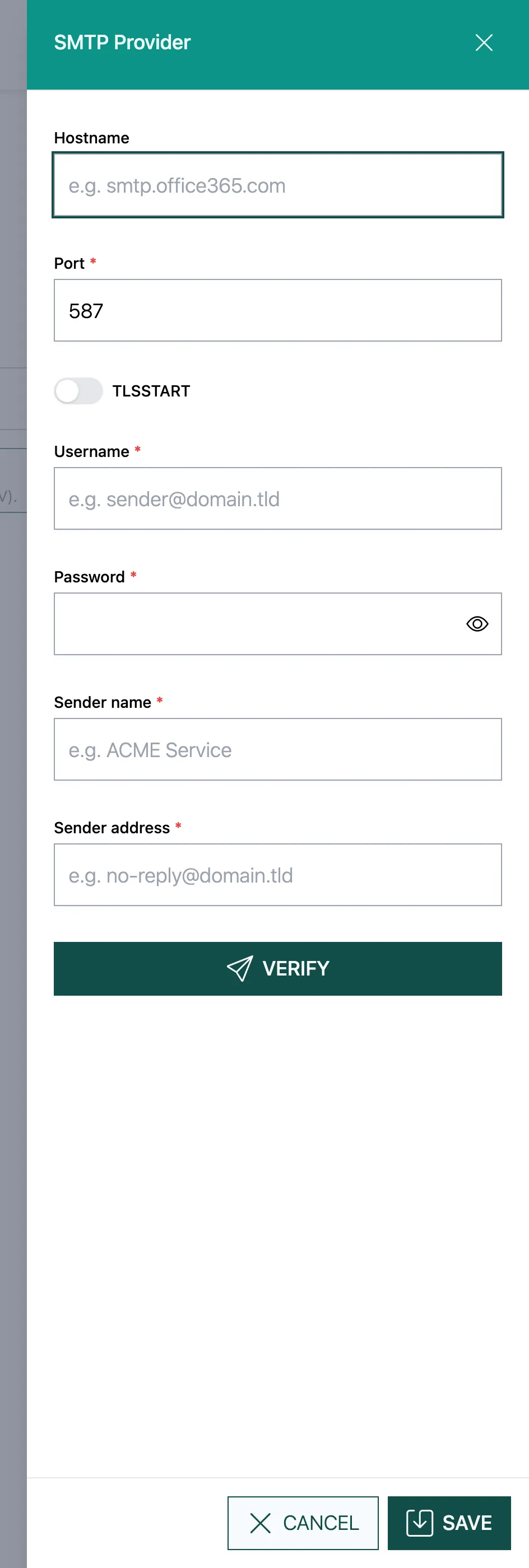
- Hostname, e.g.
smtp.office365.com, and Port, e.g. 587. - TLSSTART: switch it on if the server requires an encrypted connection.
- Username and Password of the account that may send.
- Sender name (e.g. “ACME Service”) and Sender address
(e.g.
no-reply@yourcompany.ch). - Click Verify. actaPASS tests the connection with these details.
- Click Save.
Good to know
Section titled “Good to know”- actaPASS no longer shows the saved password. To Verify an existing setting, enter it again.
- Delete SMTP configuration removes your own server; emails then go through the default email service again.
- actaSIGN sends its notifications through the default channel under Channels. If no own channel is set as the default there, actaSIGN uses this mail server of the tenant. Only if nothing is set up here either does the email go through the default email service.