

Decline a task
If you do not agree with the document or something is wrong, decline the task. The sender receives your reason and can send a corrected request.
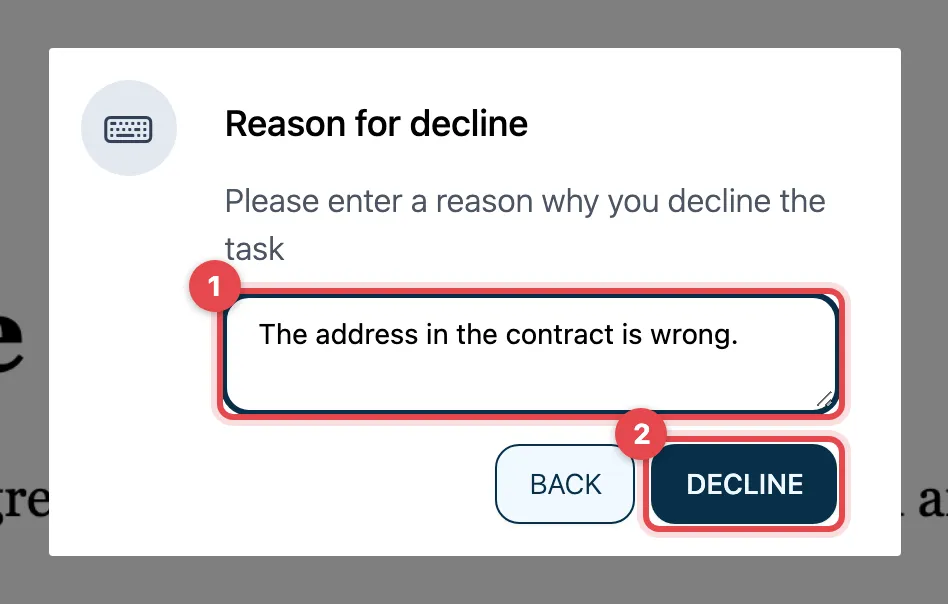
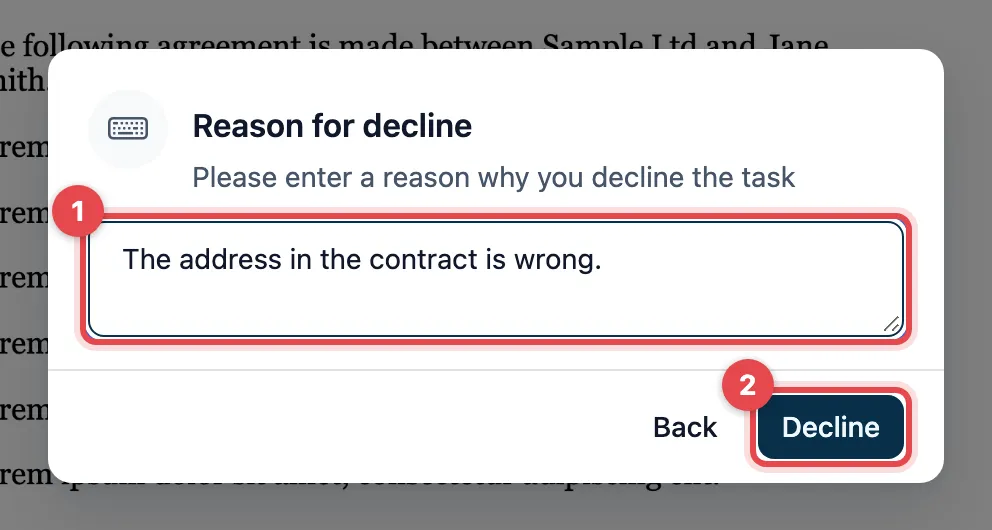
- Open Select and click Decline. Reason for decline appears. Write why you are declining (at least four characters).
- Click Decline.
actaSIGN then closes the task. actaSIGN does not show a confirmation. If you opened the task through the link from the e-mail, actaSIGN signs you out and you see the actaSIGN start page. The decline is saved anyway. You can close the window. If you are signed in to actaSIGN, you return to your Tasks. Some requests send you to a page of the sender instead.
Good to know
Section titled “Good to know”- A decline ends the whole request. Everyone who has already received or completed a task gets a message. All open tasks are closed.
- It cannot be undone. The sender must send a new request.
- Back closes the dialog without declining.
- If someone else is simply responsible, do not decline: delegate the task, if the sender allows it.