

Get a second signature
Does the document need a second signature besides yours, for example from a colleague with joint signing authority? Then you sign and invite the person in the same step. This only works if the sender has allowed it.
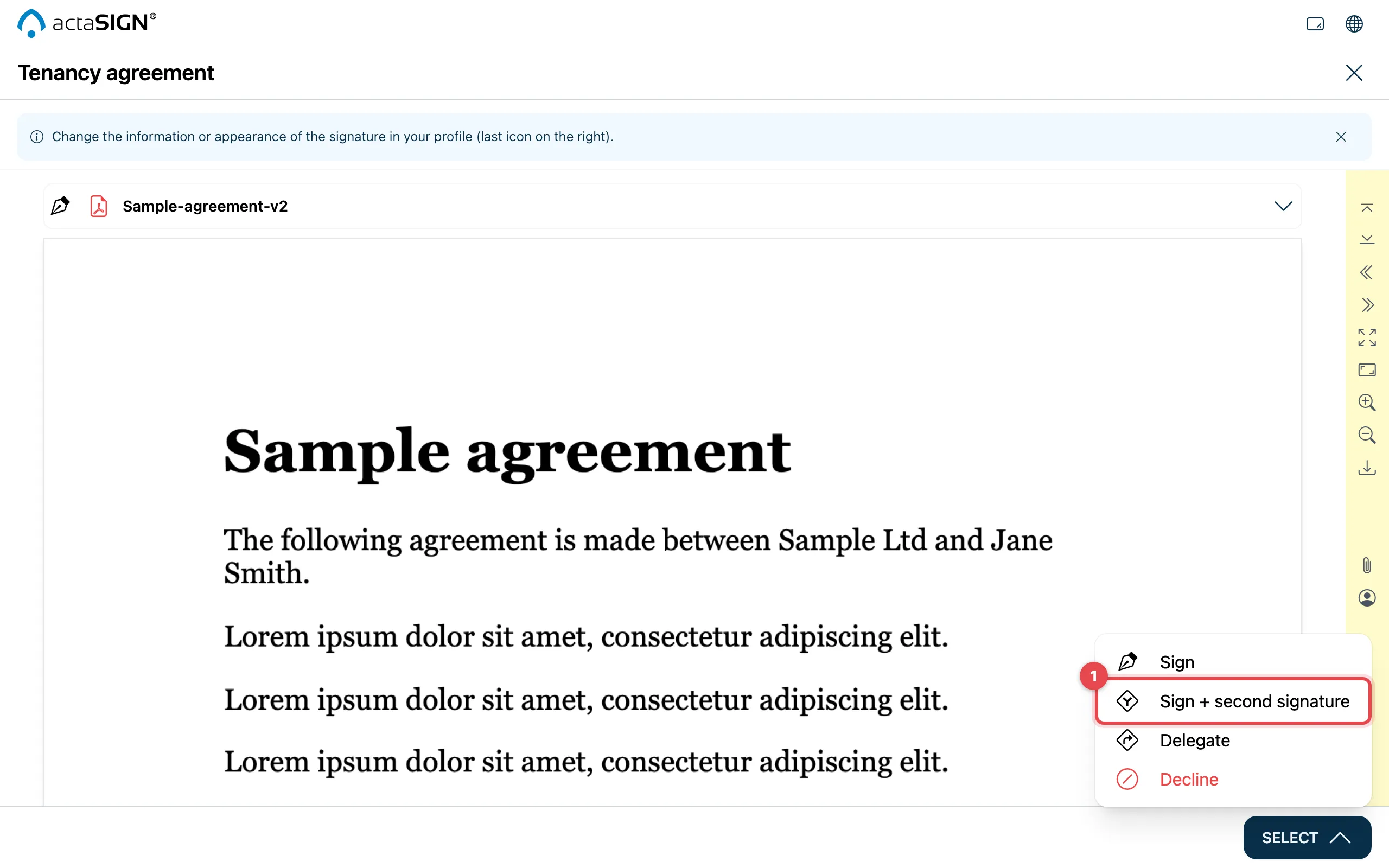
- Fill in all fields. Open Select and click Sign + second signature.
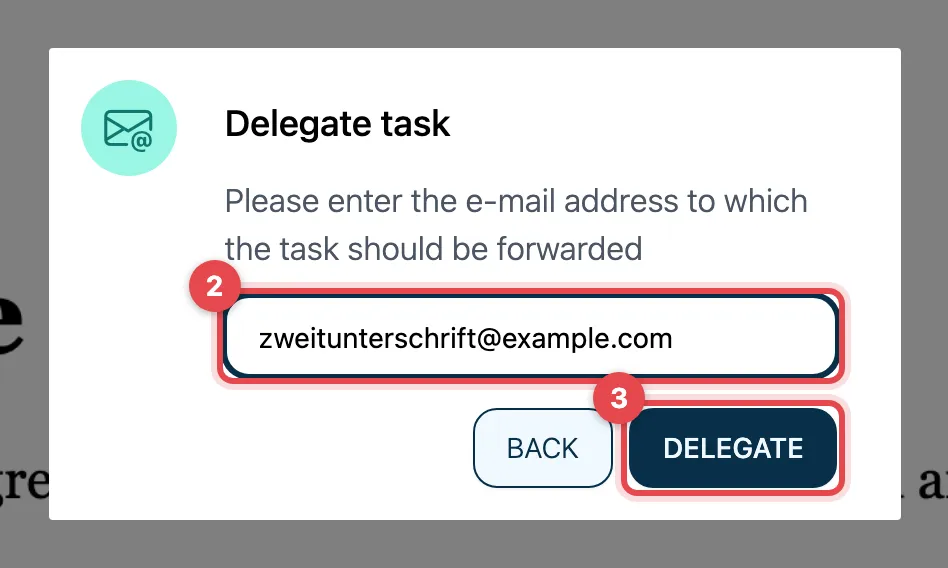
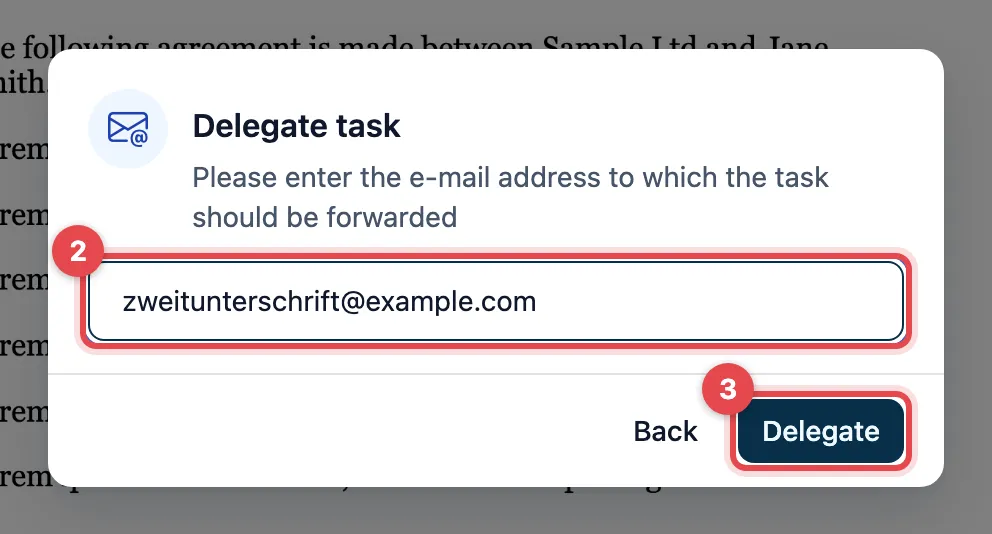
- Enter the e-mail address of the second person. The dialog is called Delegate task.
- Click Delegate. actaSIGN applies your signature and sends the second person an e-mail with their own link.
Good to know
Section titled “Good to know”- If the entry is missing under Select, the sender has not allowed it.
- If the person already has an open task in this request, Existing task found appears. Understood takes you back. Then sign with Sign, without an invitation.
- Your own signature uses the same signature type as usual, see Sign a document.