

Create a company account
With a company account, you bring your company to actaSIGN. actaPASS also creates the first tenant (your organization in actaSIGN) and makes you its administrator.
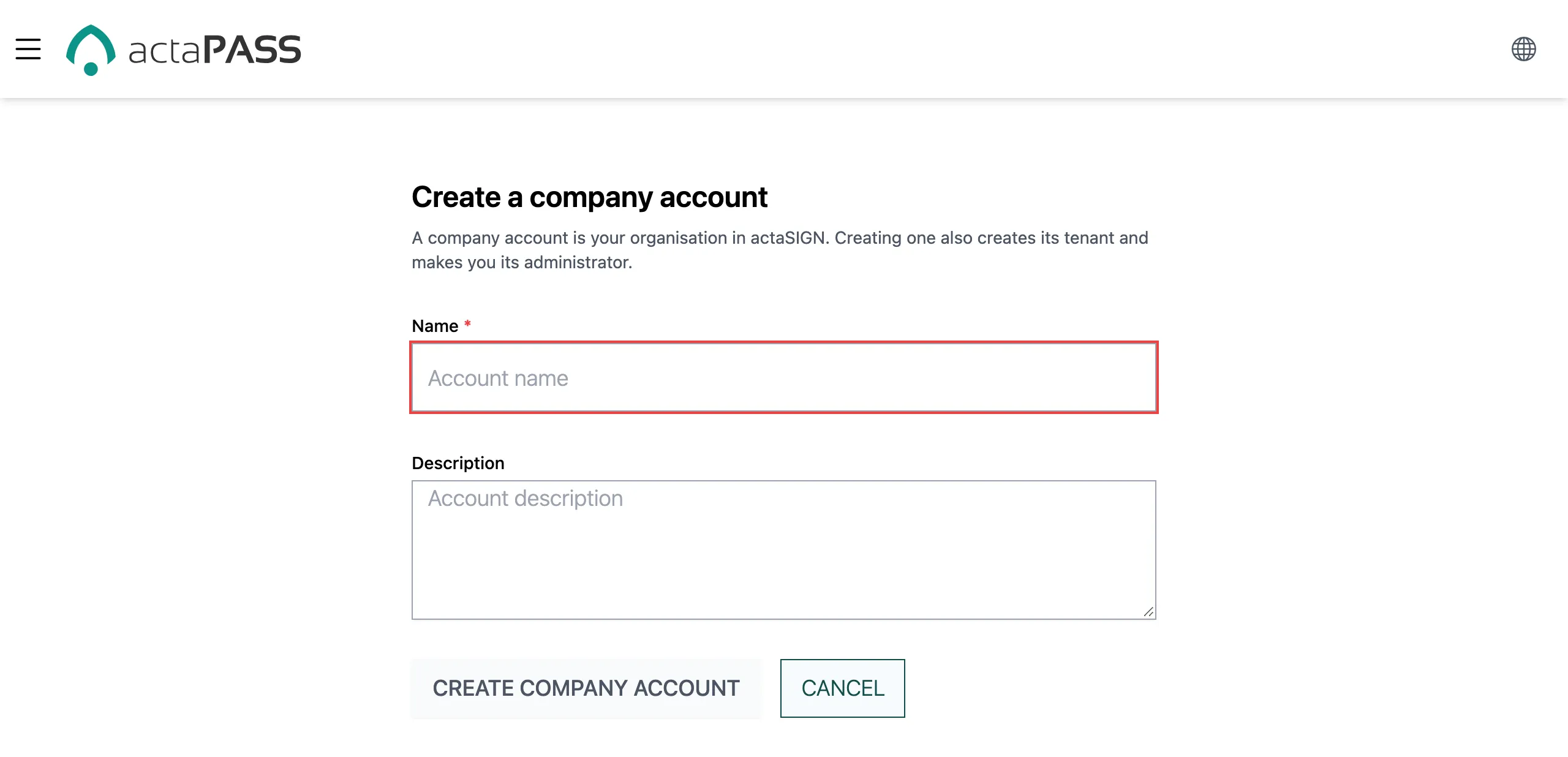
- Sign in to actaPASS. If you do not belong to any organization yet, Home shows the Create a company account tile. Click it.
- Enter a Name (at least 4 characters), for example the company name, and optionally a Description.
- Creating an account is subject to a fee. Read Prices, Terms of use and General terms and switch on I have read and accept the following documents:.
- Click Create company account.
actaPASS reports Company account created. You then work in actaSIGN in your new organization.
If it does not work
Section titled “If it does not work”| Message | What to do |
|---|---|
| Your e-mail domain already belongs to an organisation. | Your company has already verified its domain. Ask its administrator to add you as a member. |
| You have reached the maximum number of your own accounts. | The number of own company accounts per person is limited. Contact support. |
| Creating your own account is disabled on this installation. | On this server, only the operator creates company accounts. |
| Please accept the terms before continuing. | Switch on the consent. |
Good to know
Section titled “Good to know”- actaPASS only asks you to accept the prices and terms if you have not yet accepted the current version.
- As administrator of an existing company account, you create further company accounts under Company accounts with Add (Manage company accounts).