

Limit access to certain IP addresses
With the IP whitelist, members may only access your tenant from certain networks, for example only from the company network.
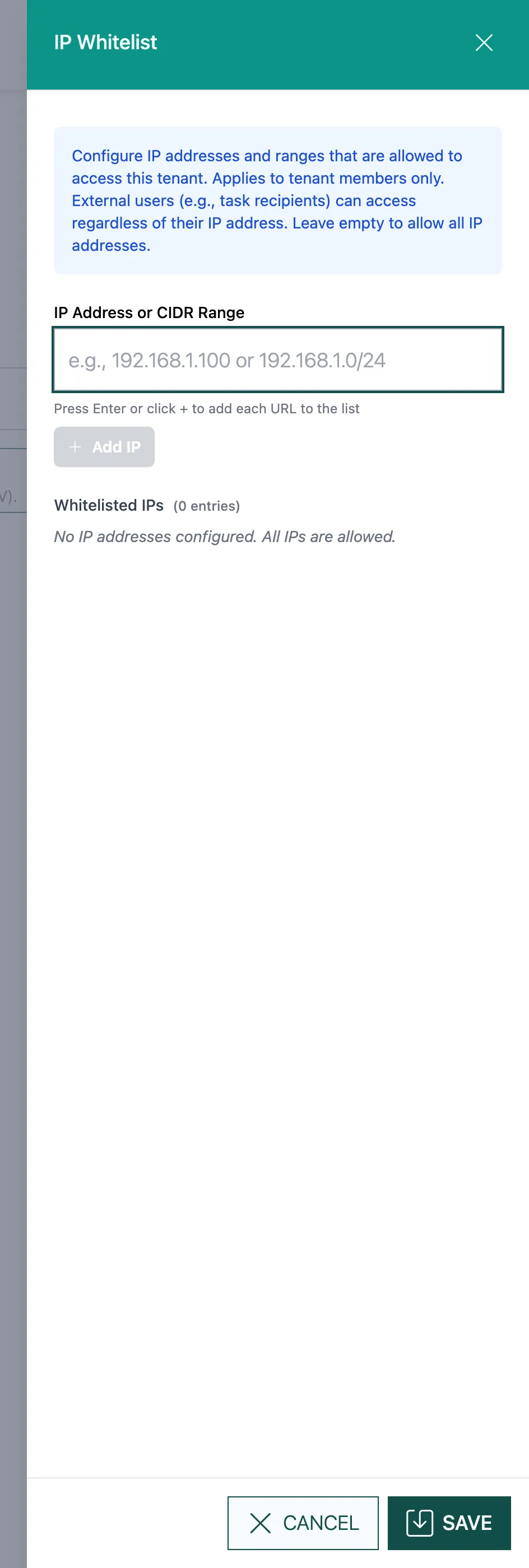
- Under IP Address or CIDR Range, enter an address, e.g.
192.168.1.100, or a range, e.g.192.168.1.0/24. - Press the Enter key or click + (Add IP). Repeat this for each address.
- Check the list under Whitelisted IPs. Use Remove to take an entry out.
- Click Save.
If the list is empty, you see No IP addresses configured. All IPs are allowed.
Good to know
Section titled “Good to know”- The whitelist only applies to members. External recipients of tasks sign from any address.
- Anyone coming from another address is turned away. In actaSIGN, this shows in the audit log as “Sign-in blocked by IP policy”.
- If you have locked yourself out, contact support.