

Add your mobile number
For advanced signatures (AES) and for Mobile ID, actaSIGN needs your mobile number. You confirm it once with a code by SMS.
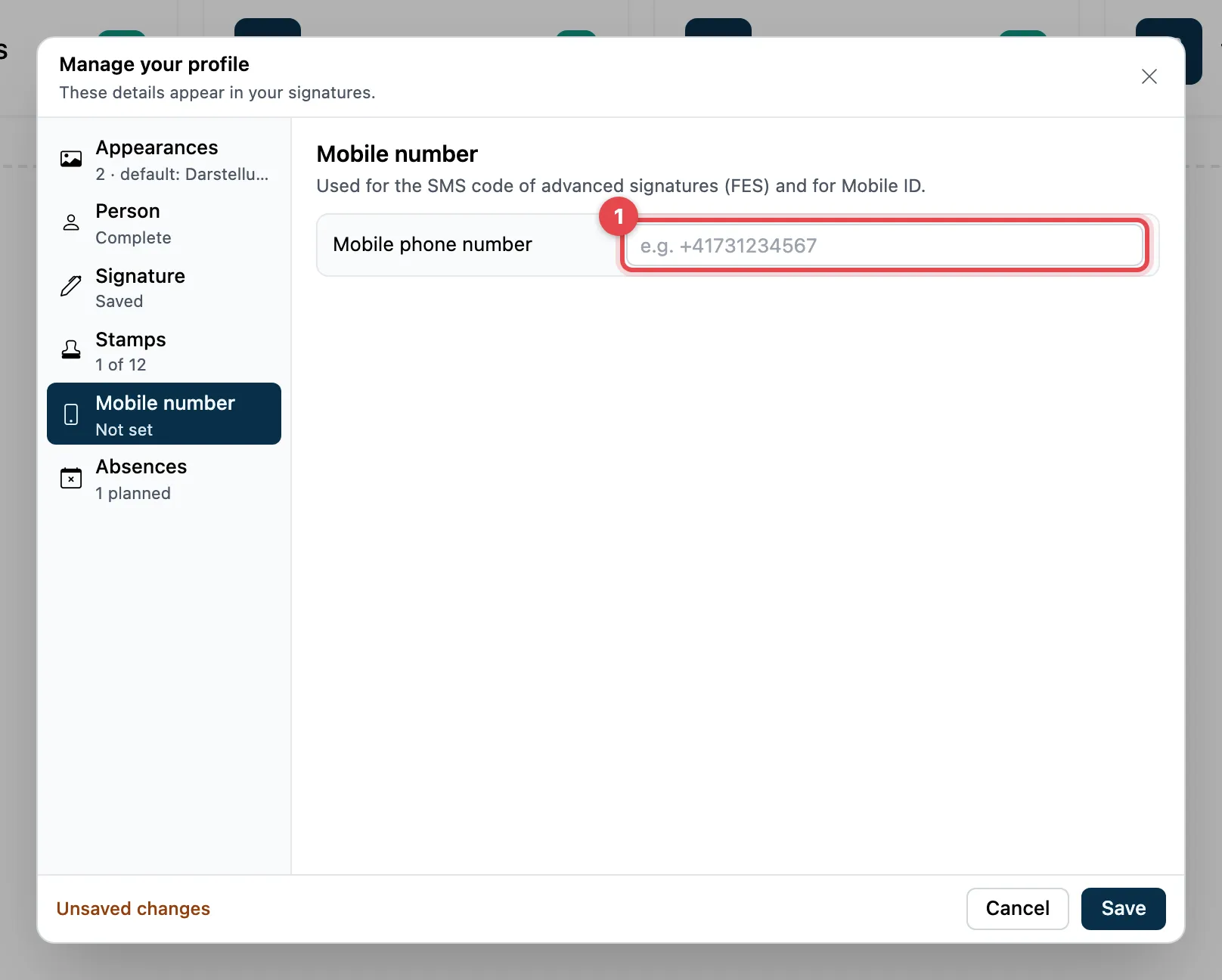
- Under Mobile phone number, enter your number, e.g. +41731234567. actaSIGN converts «079 …» or «0041 …» by itself.
- Click Verify. You receive an SMS with a six-digit code.
- Enter the code under Confirmation code via SMS and click Confirm.
- «Confirmed:» appears with your number. Click Save at the bottom.
Good to know
Section titled “Good to know”- As long as a new number is not confirmed, you cannot save the profile. With Discard change you go back to the old number.
- The advanced electronic signature CH (AES CH) needs a Swiss number (+41).
- If you empty the field, the number is deleted.
- If no SMS arrives, check the number. If you see Wrong confirmation code, try again with Continue.