

Choose contact curators
Normally only administrators maintain the shared address book (Contacts). Contact curators may do this too, for example a secretariat, without seeing anything else in the administration.
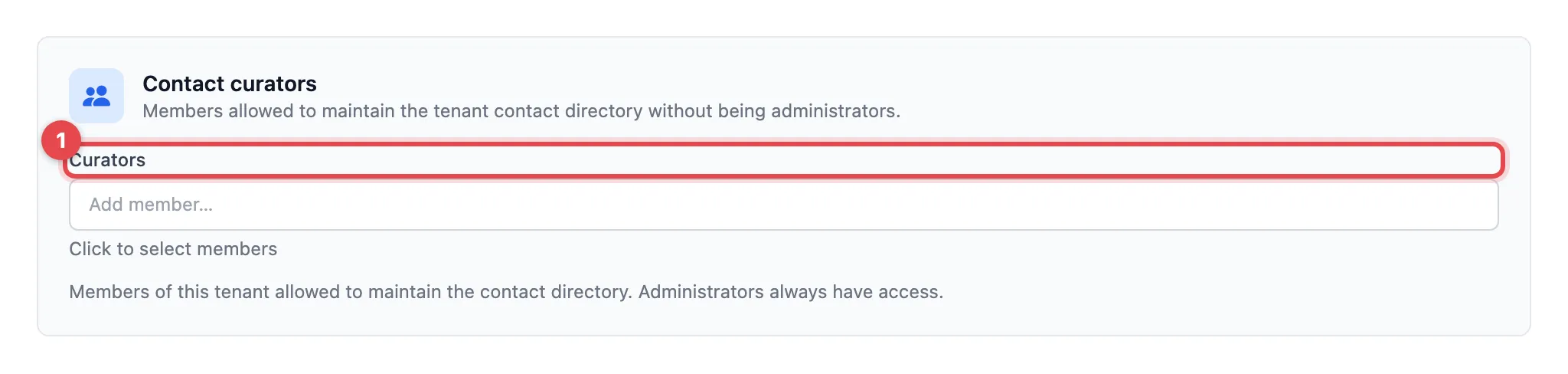
- Click into the Curators field and type the name or e-mail address of a member. Choose the person from the list.
- Repeat this for more people. With the ✕ next to a name you remove the person again.
- Click Save at the bottom of the page.
Good to know
Section titled “Good to know”- Curators see only the Contacts area in the administration. There they can add, change and delete contacts and import them from CSV.
- Administrators have access automatically; you do not need to enter them here.
- You can only choose members of your organization.