

Set up an organization seal
With a seal, actaSIGN marks documents in the name of your organization, not in the name of a person. You store the seal once and assign it to the members who may seal with it.
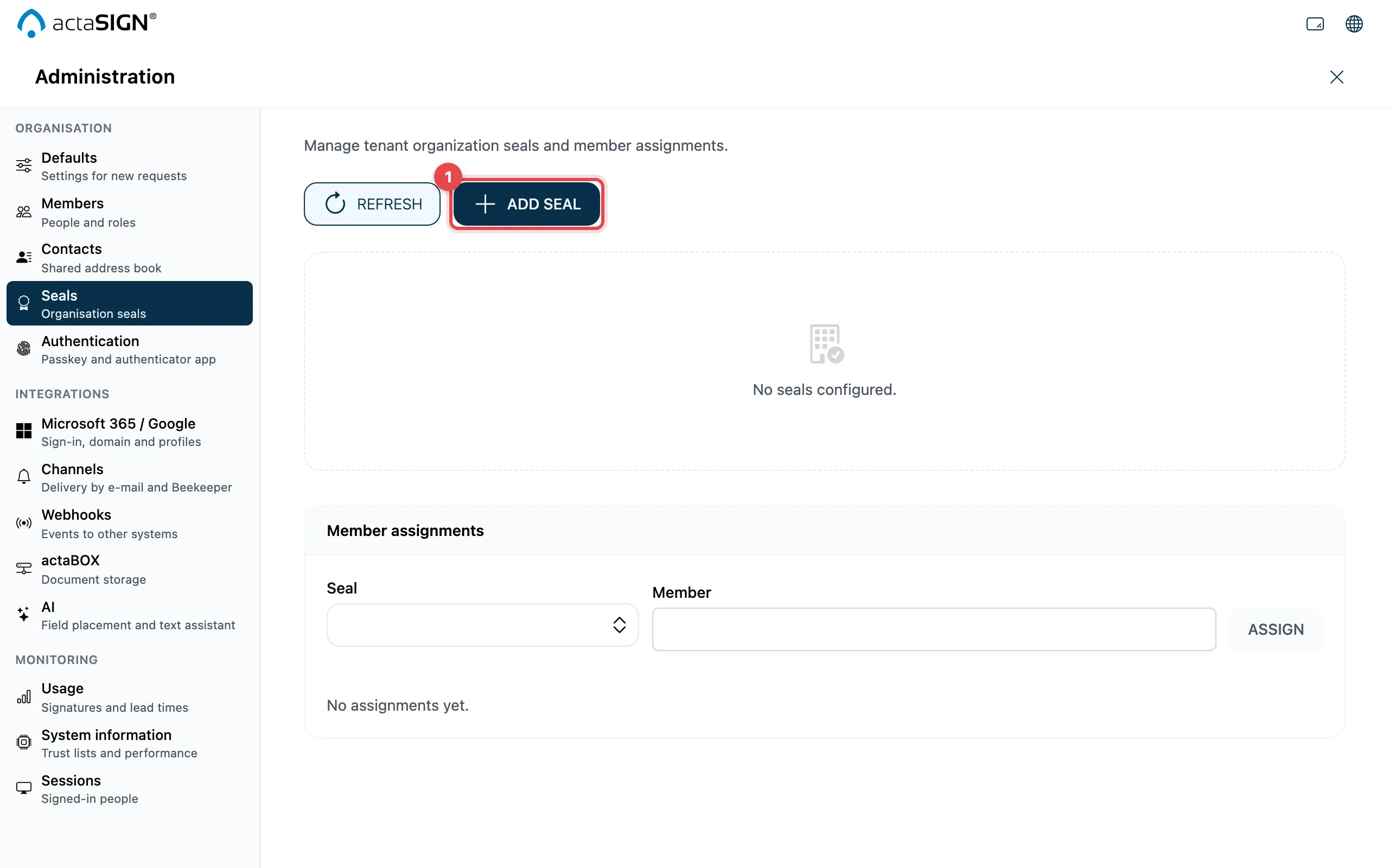
Add a seal
Section titled “Add a seal”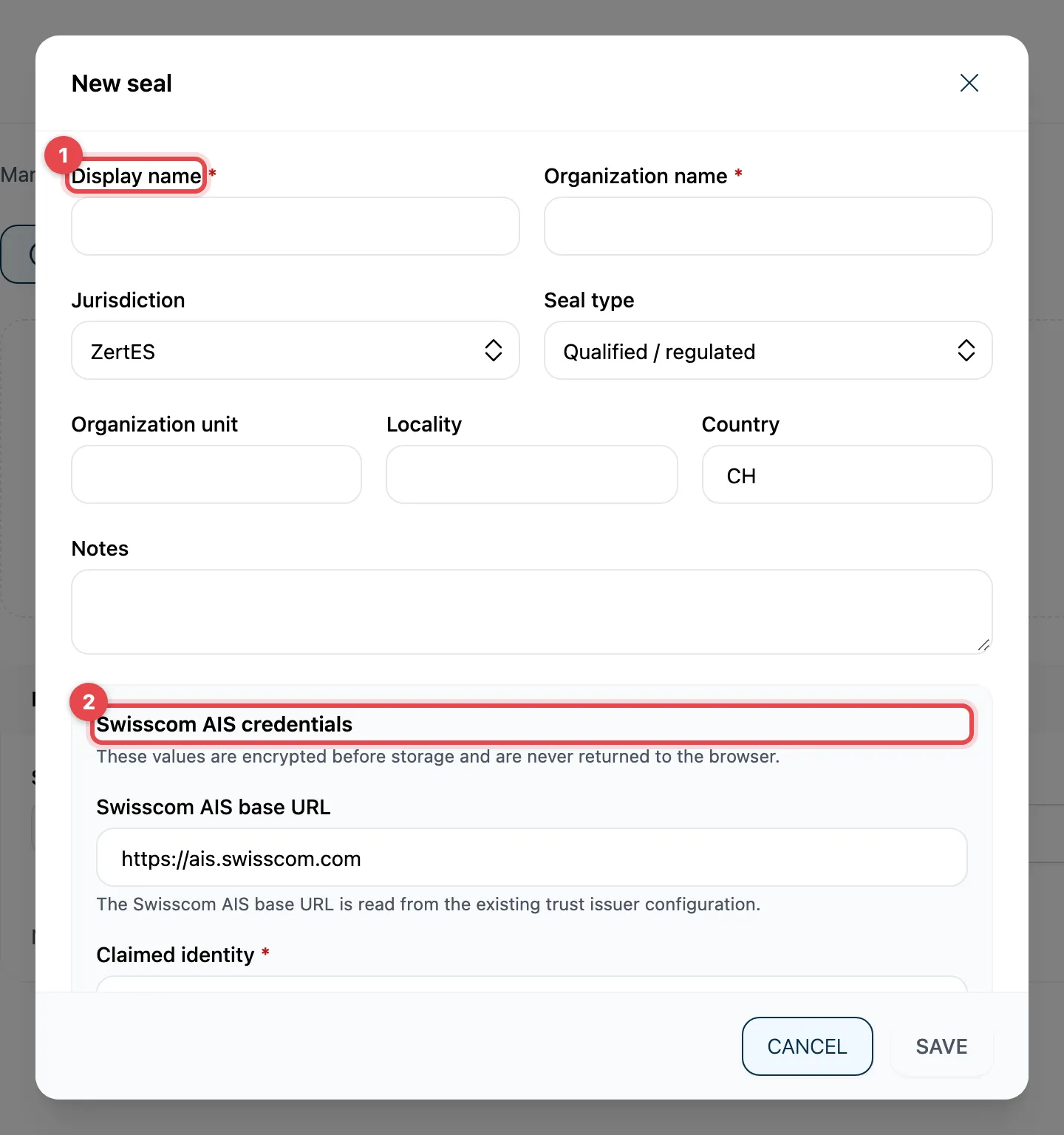
- Click Add seal and fill in the details of the seal: Display name, Organization name, Jurisdiction (ZertES or eIDAS), Seal type (Qualified / regulated or Advanced), and optionally Organization unit, Locality, Country and Notes.
- Under Swisscom AIS credentials: Claimed identity, X.509 PEM certificate and PKCS#8 PEM private key. The values are stored encrypted and never shown again.
- collever trust (optional): only fill this in if support has given you details for it.
- Click Create seal.
Assign the seal to members
Section titled “Assign the seal to members”- Under Member assignments, choose the Seal and the Member.
- Click Assign.
- If a member has several seals, use Make default to set which one is suggested. Remove takes back the assignment.
Good to know
Section titled “Good to know”- actaSIGN reads the Swisscom AIS base URL from the existing configuration; you do not need to enter it.
- When editing, the credentials are kept if you leave the fields empty. Fill in all three to replace them.
- Deactivate takes a seal out of service without deleting it.
- actaSIGN does not hand over tasks with a seal to a deputy during an absence (Absence).