

Manage company accounts
Under Company accounts you see all company accounts you manage. From here you open the tenants of an account or change its name.
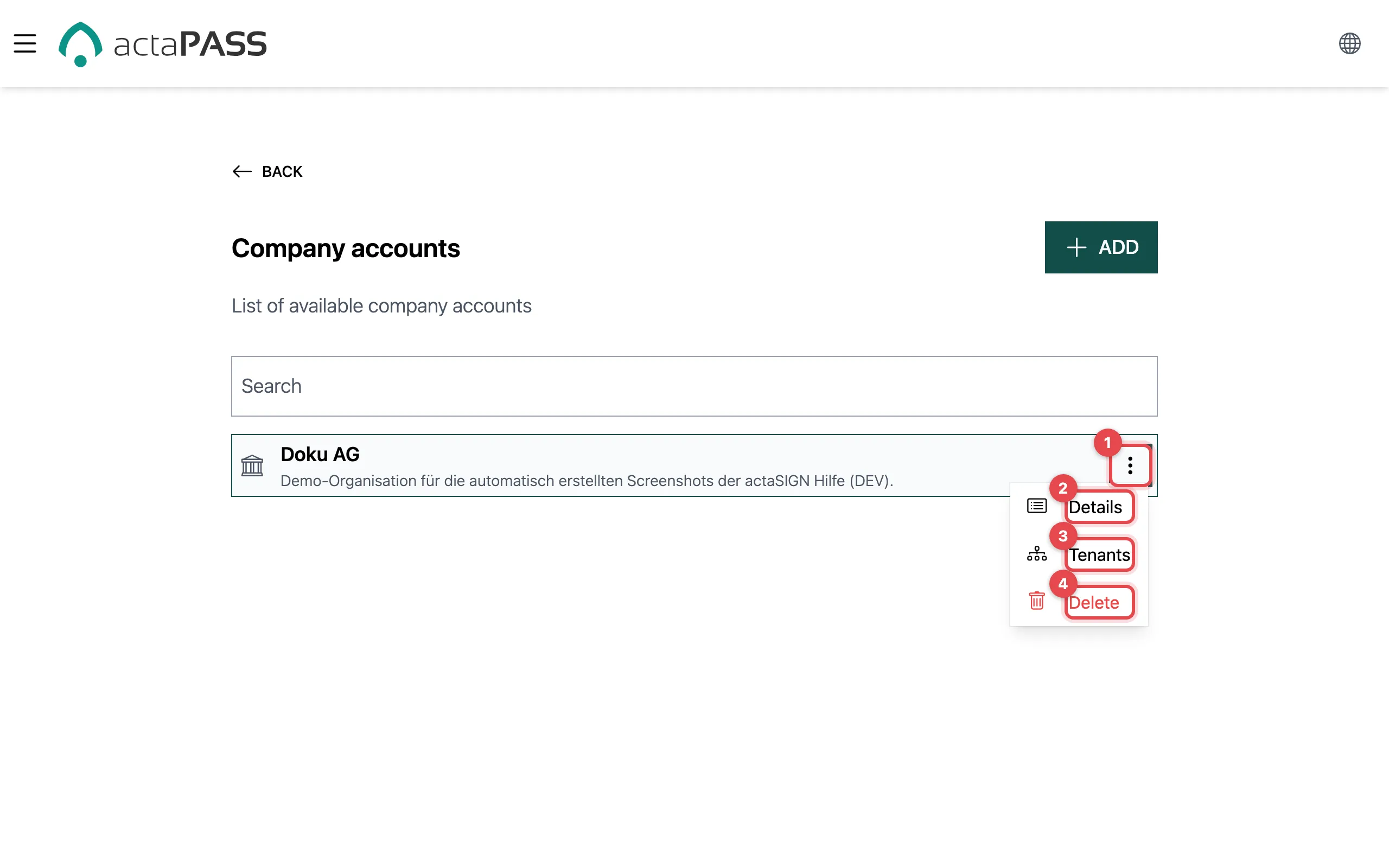
- Click ⋮ next to the company account.
- Details: change the name and description.
- Tenants: open the organizations of this account (Manage tenants).
- Delete: delete the company account (see warning).
Change the name and description
Section titled “Change the name and description”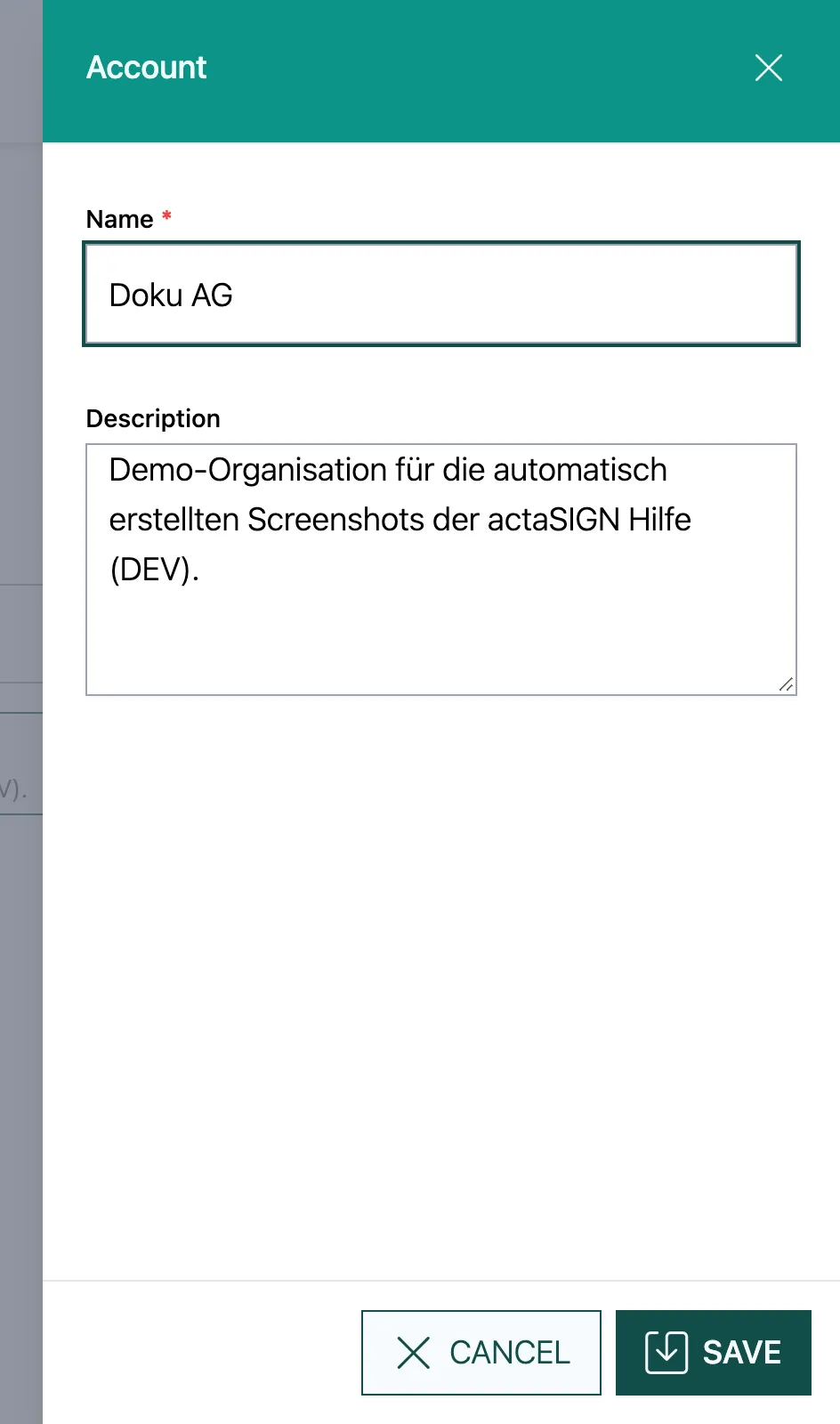
Change Name or Description and click Save.
Create another company account
Section titled “Create another company account”Above the list, click Add, enter Name and Description, and save. actaPASS also creates a first tenant and makes you its administrator.
Good to know
Section titled “Good to know”- If you manage several accounts, the search field finds one quickly (from 3 characters).