

Delegate a task
If another person is responsible, give them the task. They then sign in your place. This only works if the sender has allowed it.
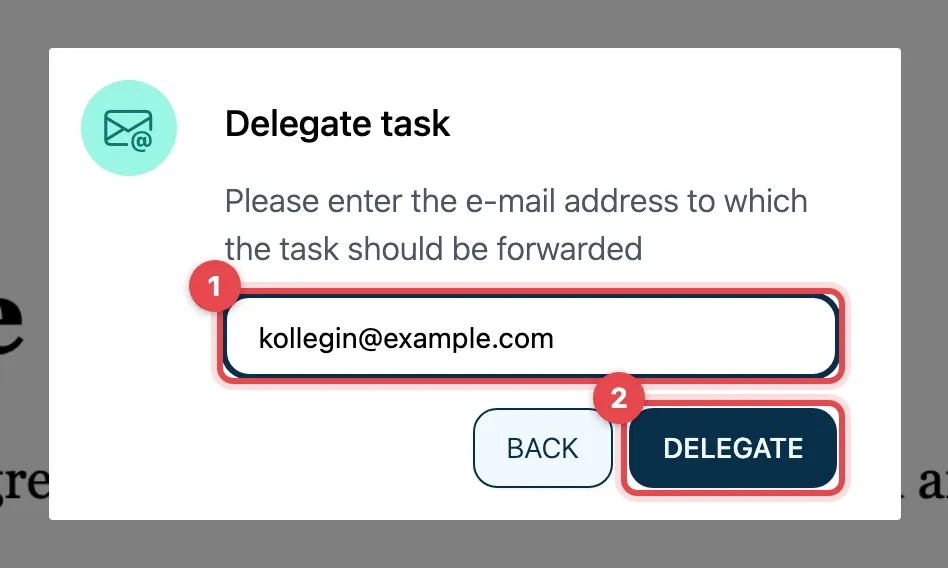
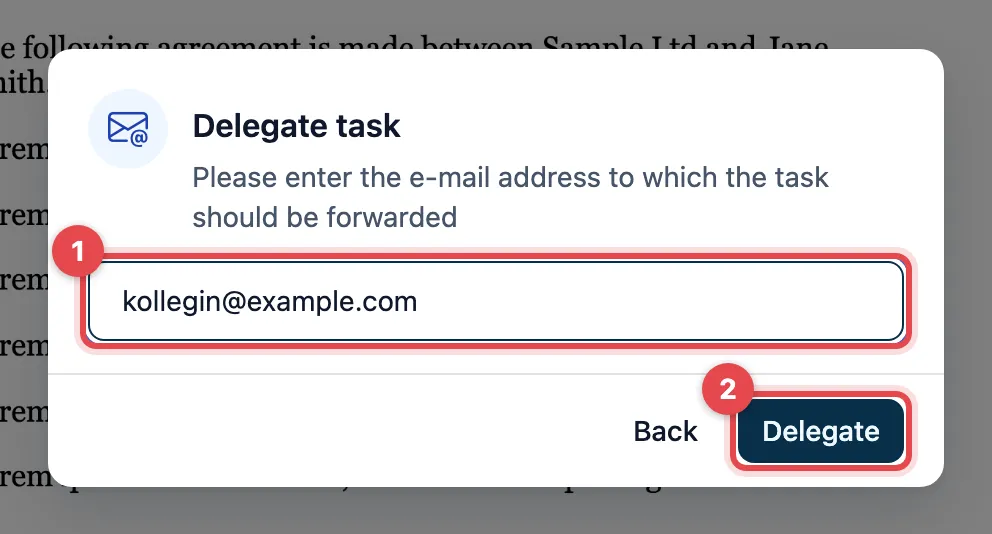
- Open Select and click Delegate. Delegate task appears. Enter the person’s e-mail address.
- Click Delegate.
The person receives an e-mail with their own link. Your task is then done, and your link no longer works.
actaSIGN does not show a confirmation. If you opened the task through the link from the e-mail, actaSIGN signs you out and you see the actaSIGN start page. The delegation is saved anyway. If you are signed in to actaSIGN, you return to your Tasks. Some requests send you to a page of the sender instead.
Good to know
Section titled “Good to know”- If Delegate is missing under Select, the sender has not allowed it. Ask them whether they can assign the task to another person.
- The new person signs with their own name.
- The sender sees in the history of their request that you delegated the task.
- If you want to sign yourself and also have someone else sign, use Get a second signature.