

What is actaSIGN, what is actaPASS?
With actaSIGN you sign documents electronically and have others sign them. actaPASS is the service you use to sign in.
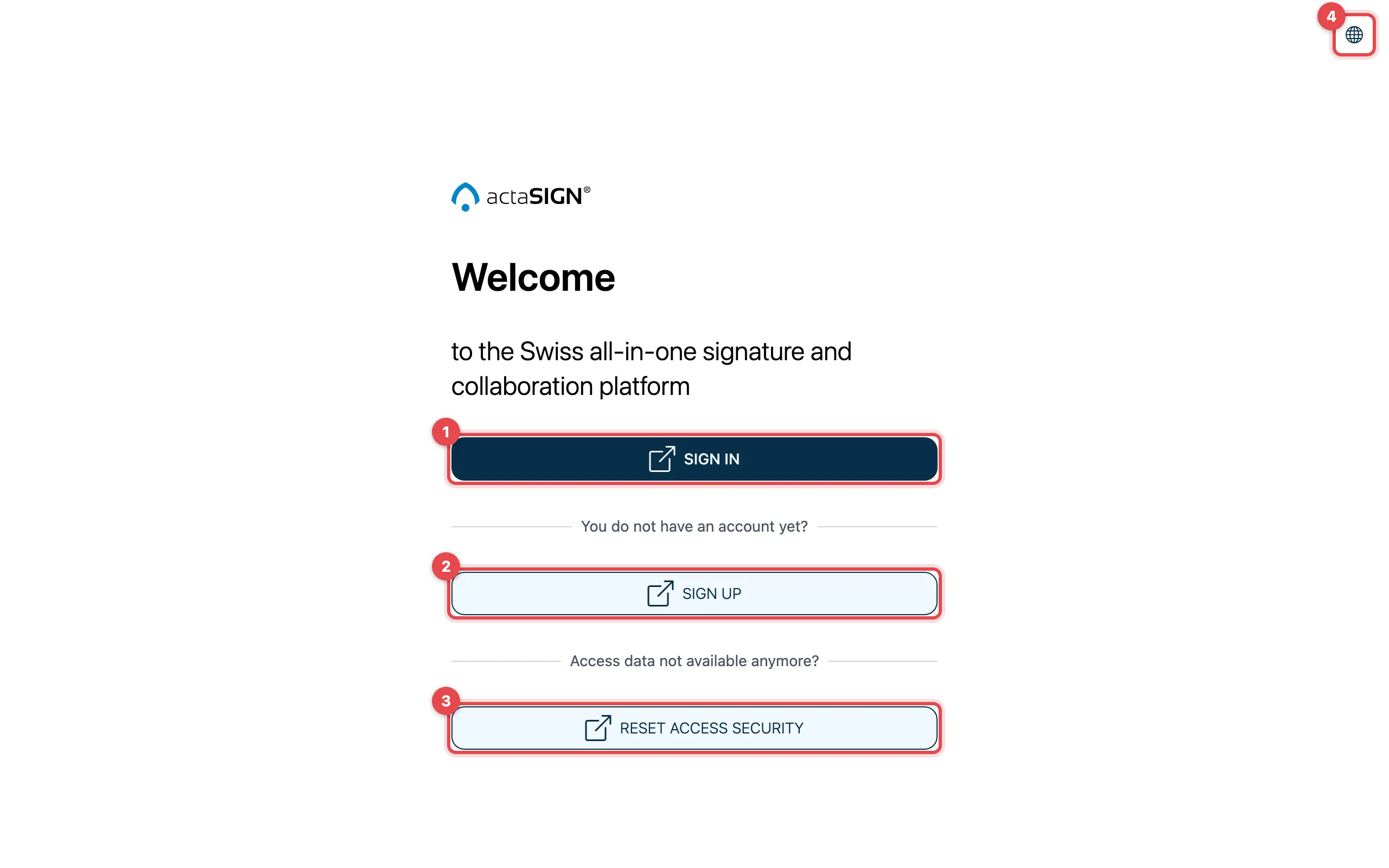
The addresses
Section titled “The addresses”| Service | Address | What for |
|---|---|---|
| actaSIGN | my.actasign.ch | Sign documents and send them out for signing |
| actaPASS | my.actapass.com | Account, password, second factor; for administrators the management |
The addresses are the same for all organizations. It is best to save them as bookmarks. If you have received a signing request by e-mail, you need neither of them: the link in the e-mail takes you straight to the document.
actaSIGN: sign documents
Section titled “actaSIGN: sign documents”In actaSIGN you
- upload a document and decide who should sign it (a Request),
- sign what others have sent you (your Tasks),
- see how far your requests have got and download the signed document,
- save recurring processes as a template.
actaPASS: your sign-in account
Section titled “actaPASS: your sign-in account”actaPASS manages your account: e-mail address, password and second factor (e.g. an authenticator app or a passkey). When you click Sign in in actaSIGN, actaPASS opens. After signing in, you are back in actaSIGN.
You can also open actaPASS directly at my.actapass.com. So you only need actaPASS to sign in or to change your password and second factor. Your documents are in actaSIGN.
Organization and tenant
Section titled “Organization and tenant”Your company, association or public authority is an Organization in actaSIGN. In some places the app calls it a Tenant, e.g. in Switch tenant. Both mean the same thing.
- Members of an organization see the same templates, contacts and defaults.
- One person can be a member of several organizations. You then choose which one to work in when you sign in.
- The administrators of your organization invite new members and set defaults.
Good to know
Section titled “Good to know”- If you only need to sign a document, you do not need an account. More under Do I need an account?
- A company account in actaPASS can contain several organizations. This only matters for administrators.