

Forgotten password
If you have forgotten your password or lost the phone with your authenticator app, reset your Sign-in security. You get a link by email for this.
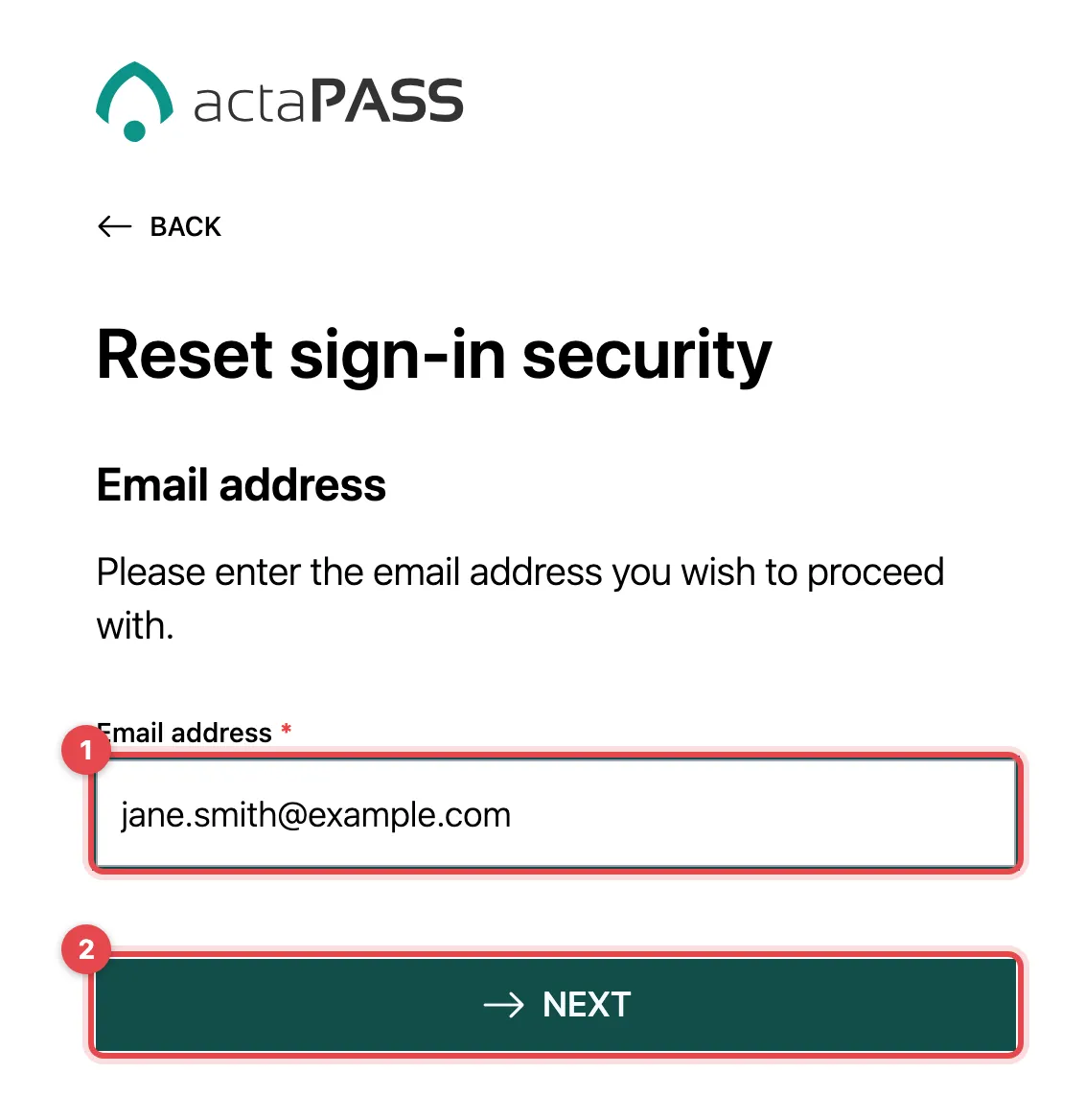
- On the welcome page, click Reset access security and enter your Email address.
- Click Next. If an account exists, you will receive an email shortly.
- Open the link in the email.
- Choose your new sign-in security and your new password, as when you signed up.
- Password updated appears. Click Continue to actaSIGN.
Good to know
Section titled “Good to know”- The link in the email is valid for one hour and only once. Otherwise “Reset not completed” appears; request a new one.
- If you are signed in and know your password, the security link is quicker.
- If your company uses a central sign-in (single sign-on), you change your password there, not in actaPASS.